Users
You can add users to your blog to collaborate on content creation and management.
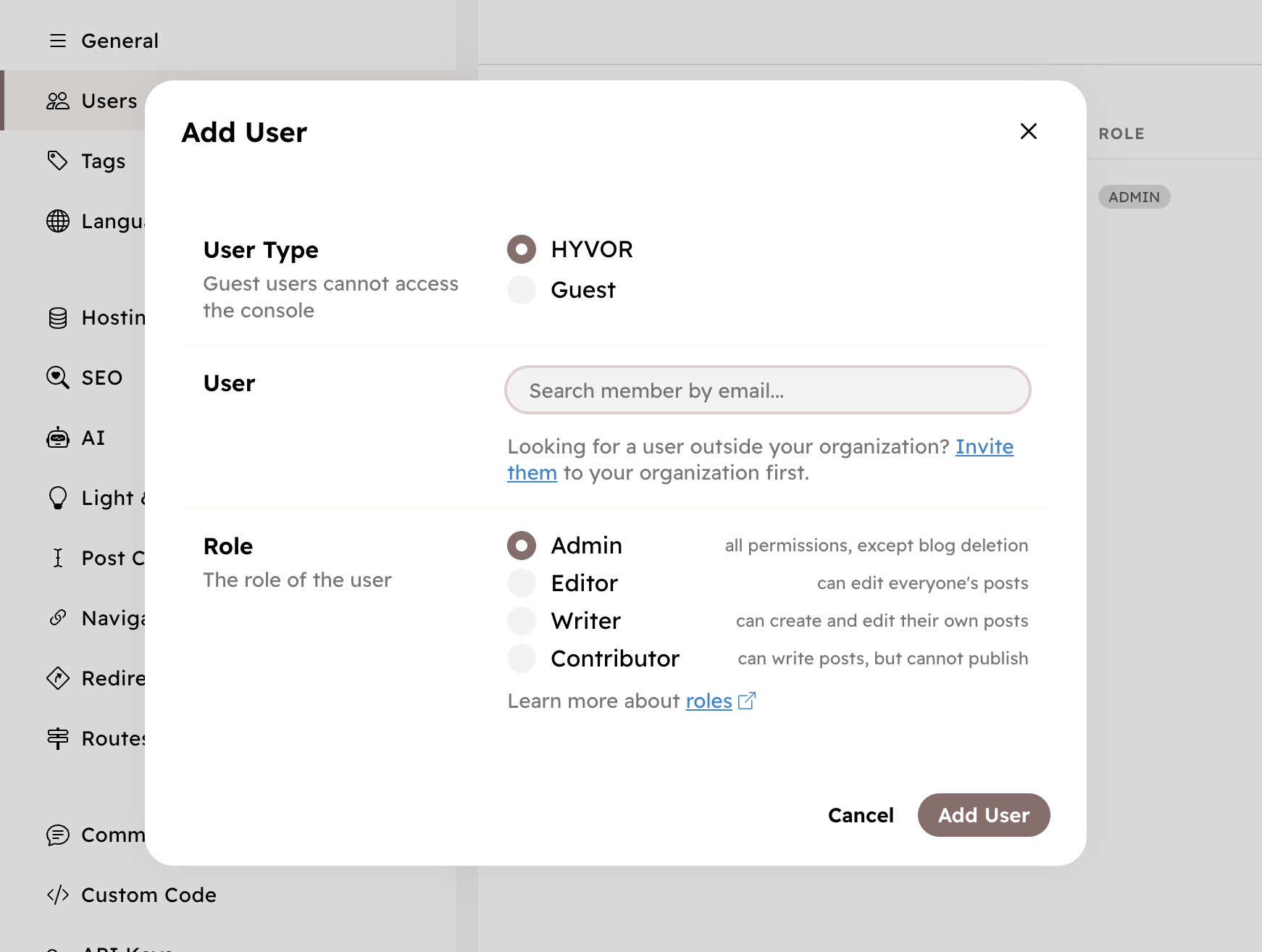
Adding Users
To add a new user,
- Go to hyvor.com/account/org/members and add the new user to your organization.
- Assign the new user to any blog under your organization.
Roles
There are 5 roles for users. Each user has access to features based on their role.
Feature
Admin
Editor
Writer
Contributor
Write posts
✔️
✔️
✔️
✔️
Publish posts
✔️
✔️
✔️
✔️
Publish/edit others' posts
✔️
✔️
✔️
Upload media
✔️
✔️
✔️
✔️
Create/edit tags
✔️
✔️
✔️
Add/remove users
✔️
✔️
Edit Theme
✔️
✔️
Change blog settings
✔️
✔️
Delete Blog
✔️
Users settings: Console → Settings → Users.